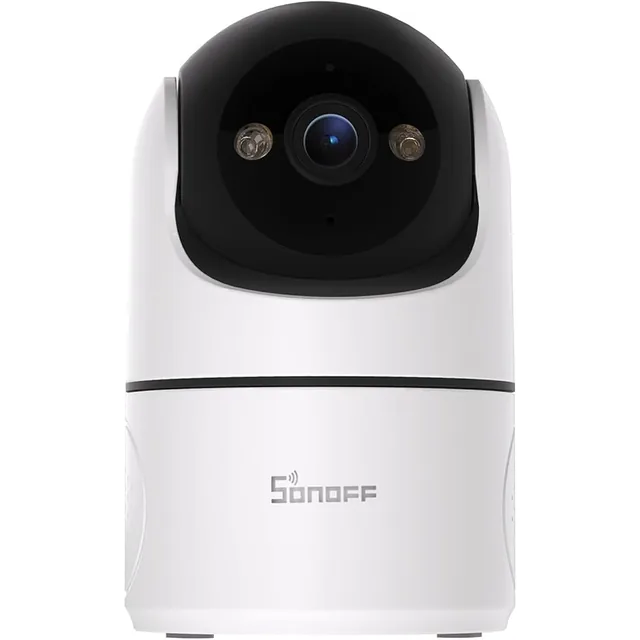
SONOFF CAM-PT2 pan-tilt camera
Indoor camera that pans and tilts for a full view of the room, with motion detection and a physical privacy cover.
Cameras & sensors · Pretoria
See a room, the entrance or the pets from your phone, and get a notification when something moves. Set up, positioned and connected for you.
Why it's worth it
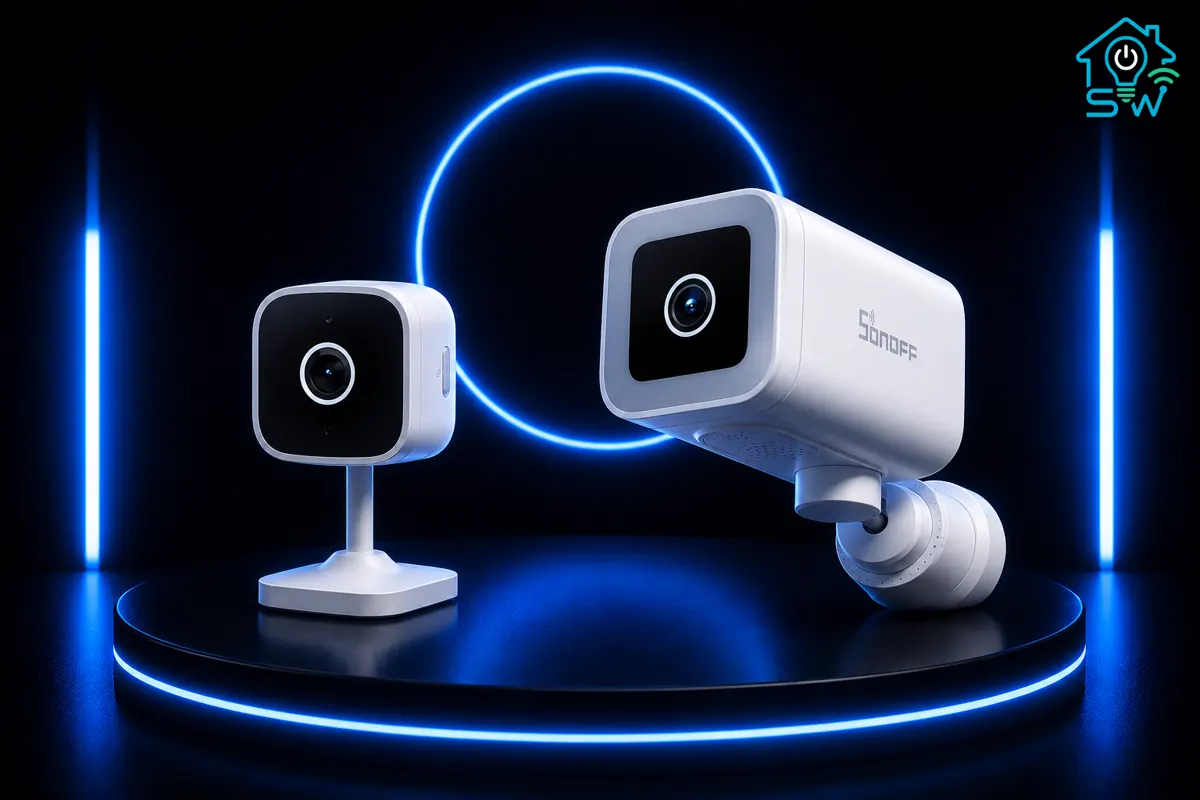
The CAM-PT2 pans and tilts to cover the whole room, detects motion and has a physical privacy cover for when you're home. The S-CAM2 is a compact camera for a smaller space.
Motion sensors do more than security: they can switch on a passage light at night or tell you when someone comes in.
Open the camera from your phone, at home or away.
Notifications when the camera or a sensor picks up movement.
The CAM-PT2 has a physical cover you can close when you're home.
On the day
What we use
These are indoor cameras. Ask us if you need outdoor coverage.
Indoor camera that pans and tilts for a full view of the room, with motion detection and a physical privacy cover.
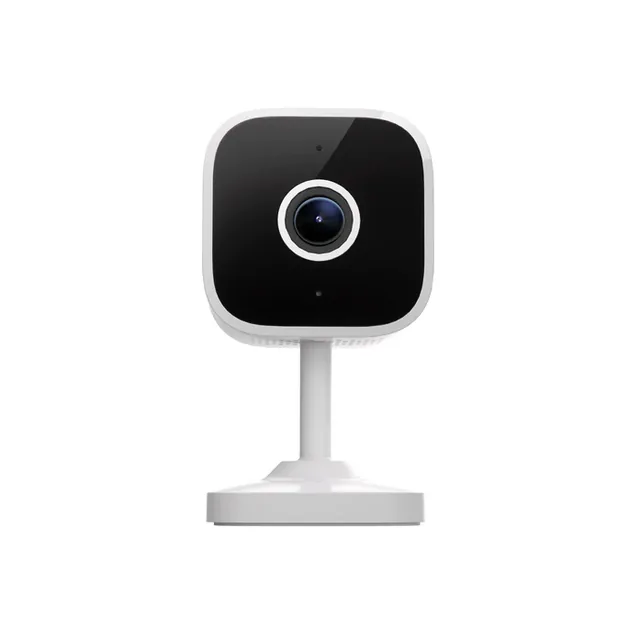
Compact camera for keeping an eye on a room, an entrance or a pet from your phone.
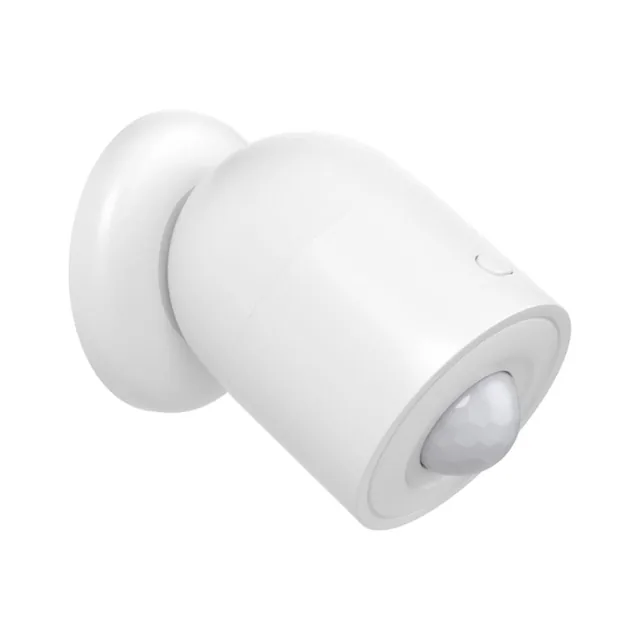
Battery-powered Zigbee sensor: switch on a passage light automatically, or get a notification when something moves.
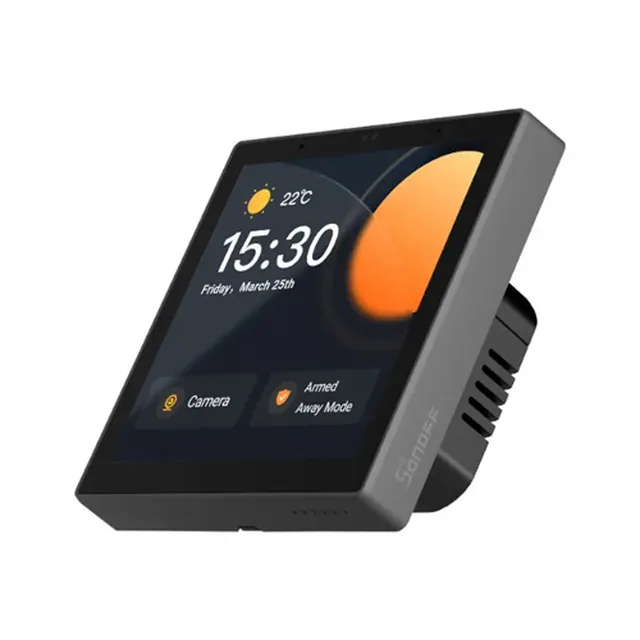
A wall-mounted touchscreen that controls your devices in one place and acts as the Zigbee hub for sensors.
FAQ
The CAM-PT2 and S-CAM2 are indoor cameras. Ask us on WhatsApp if you need outdoor coverage.
On a microSD card in the camera, or in eWeLink cloud storage if you choose to use it.
The CAM-PT2 has a physical privacy cover, and you can switch cameras off in the app.
Cameras need power and WiFi. If your router and camera are on backup power they keep working; otherwise they reconnect by themselves when power returns.
More from SwitchWise
Tell us what you want to automate. We'll tell you what it takes and send a quote.
066 3583 999 · mail@switchwise.co.za · Pretoria and surrounds