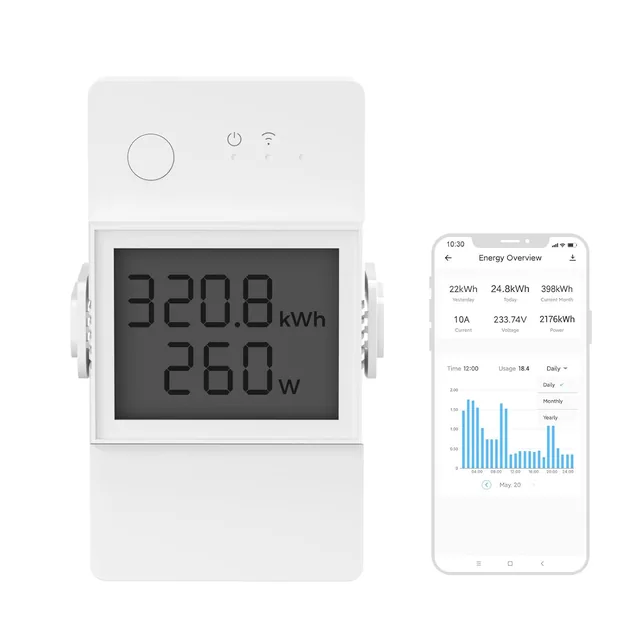
SONOFF POW Elite 20A (POWR320D)
Switches a geyser or pool pump on a schedule and shows what it uses, on its own LCD display and in the app.
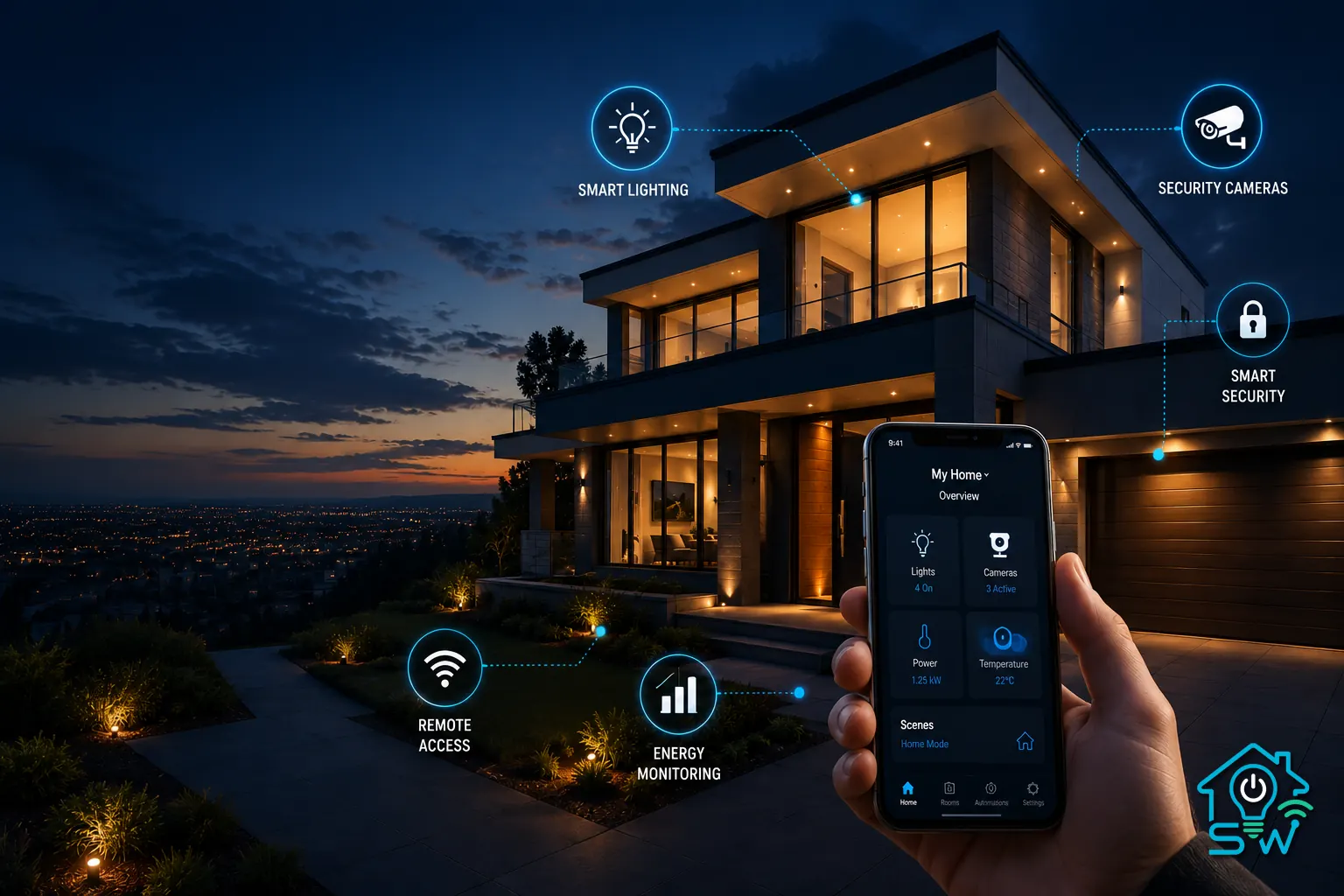
Smart home automation · Pretoria
SwitchWise supplies and installs smart switches, geyser timers, energy monitors, indoor cameras and gate control. We do the installation, set everything up on your phone, and stay available when you need help afterwards.
Consultations and quotes are free. Smarter home, better living.
What we do
We supply the hardware, install it, and keep it running — one local number for all of it. Start with one thing and add more when you're ready.
Put the geyser or pool pump on a schedule and see what it uses.
See the whole house's electricity use, live, from your phone.
Lights by touch, app or timer, using your existing wiring.
Open your existing gate or garage motor from your phone.
Indoor cameras and motion sensors that alert your phone.
Home Assistant: your automations run locally, no cloud.
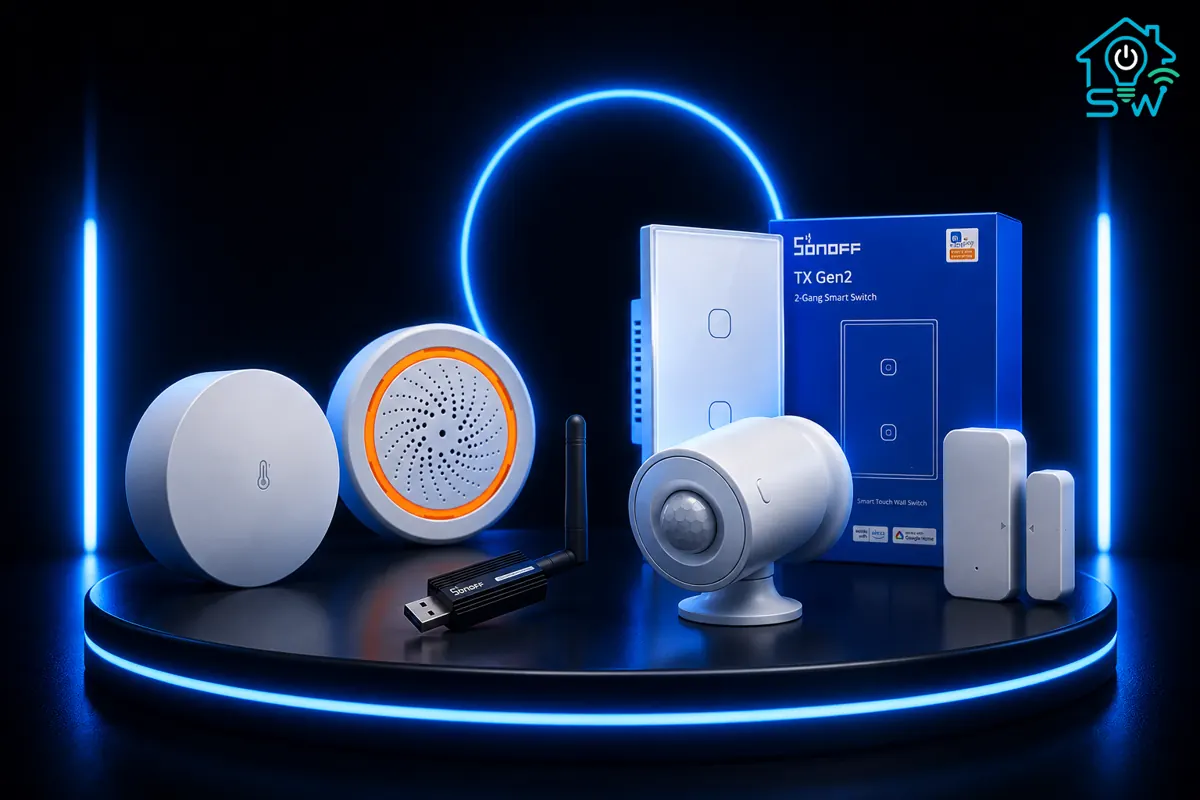
Start small
Most people start with the geyser or the gate. Later they add light switches, a camera or sensors — and it all ends up in the same app on their phone.
You don't need to plan the whole house on day one. We make sure what goes in now works with what you add later.
Process
Four steps. You only need to send the first message.
Send a WhatsApp describing what you'd like to automate — a geyser, lights, a gate, a camera, or all of it.
We quote on the hardware and installation. If the job needs it, we come out to look first.
We do the wiring, connect everything to your WiFi, and set up the apps on your phone. We leave when it works and you know how to use it.
You keep our number. If something stops working or you want to add to the setup later, you talk to the same people who installed it.
Products
SONOFF, eWeLink and ESPHome devices suited to South African homes. All controlled from an app on your phone.
Switches a geyser or pool pump on a schedule and shows what it uses, on its own LCD display and in the app.
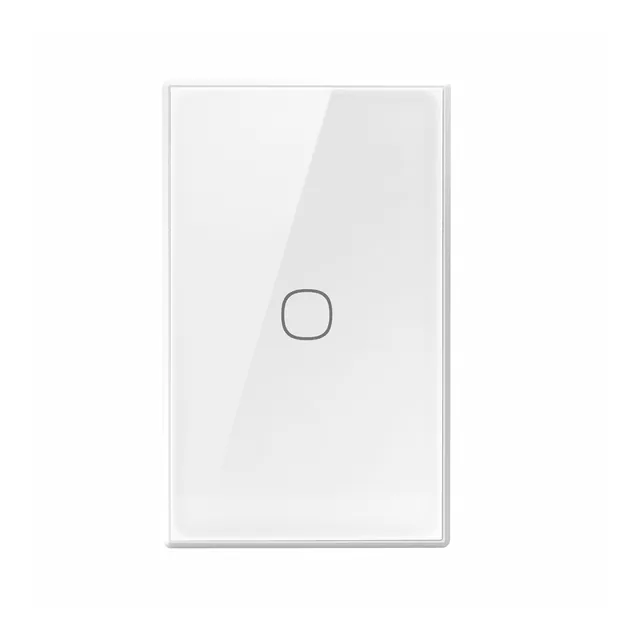
Replaces a normal light switch. Works by touch, phone app or schedule. Supports Matter and Apple Home.
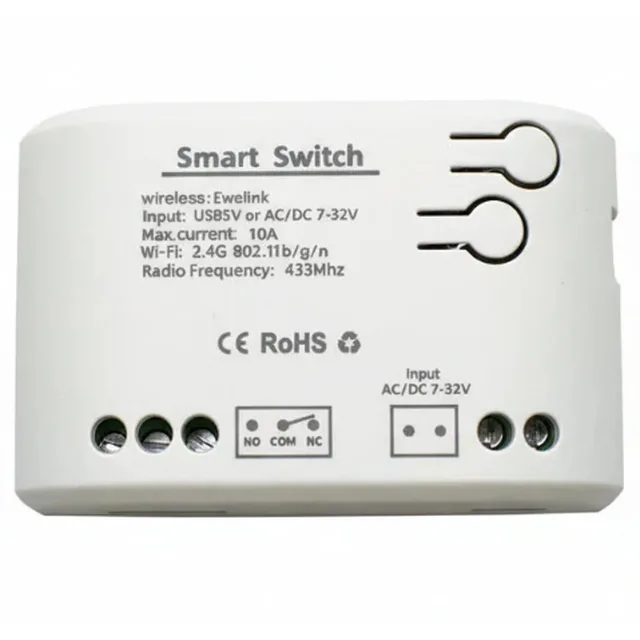
Connects to your existing gate or garage door motor so you can open it from your phone.
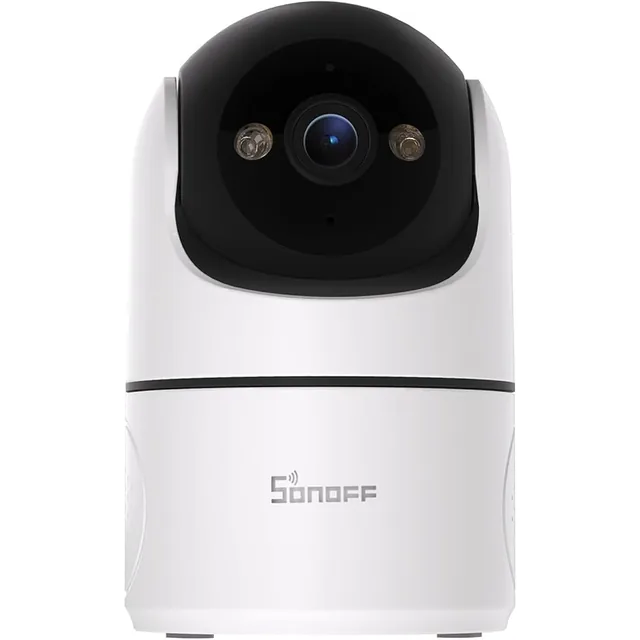
Indoor camera that pans and tilts for a full view of the room, with motion detection and a physical privacy cover.
Where we work
Outside these areas? Ask us — for product supply without installation we can arrange delivery further afield.
FAQ
The things people usually want to know before their first installation.
Usually not. Most devices work with your existing wiring and a normal home WiFi connection. Where a wall switch needs a neutral wire or your WiFi doesn't reach the device, we tell you upfront in the quote — no surprises on installation day.
The geyser is usually the biggest single user in a home, and putting it on a schedule means it stops heating water all day for nothing. The energy monitors show you what each circuit or appliance uses, so you can see where the money goes before deciding what to change. How much you save depends on your habits — we won't promise a number.
When the power is off, the devices are off — like everything else. When it comes back, they reconnect on their own and your schedules carry on. If your router is on backup power, you can still see camera feeds and control devices that have power.
Most of our devices use the eWeLink app, and we set it up on your phone as part of the installation. Some devices also work with Apple Home and Matter. If you'd rather keep everything off the cloud, ask us about Home Assistant and local-control options like the ESPHome plug.
Yes. If you already have smart devices — from us or anyone else — we can usually extend the setup, move things to one app, or fix what isn't working. Send us a WhatsApp with what you have and we'll tell you what's possible.
Pretoria, Centurion, Pretoria East, Sandton, Randburg, Sunninghill. For product supply without installation, we can arrange delivery further afield — ask us.
No obligation. Tell us what you want to automate and we'll take it from there.
066 3583 999 · mail@switchwise.co.za · Pretoria and surrounds